Lesson 3 · Position and Speed
What is this lesson about?
In the previous lesson, CoCube could already move and turn by time.
This lesson adds positioning feedback, so the program does not just "make it move," but also "know where it has moved."
Learning goals
- Understand
cocube.pos - Check
cocube.pos.statebefore trusting the data - Use
print()to inspect coordinates and heading - Know that the
speedinmove_to()androtate_to()changes how fast the action happens - Understand the difference between "move by time" and "move by coordinate"
Hardware and APIs used
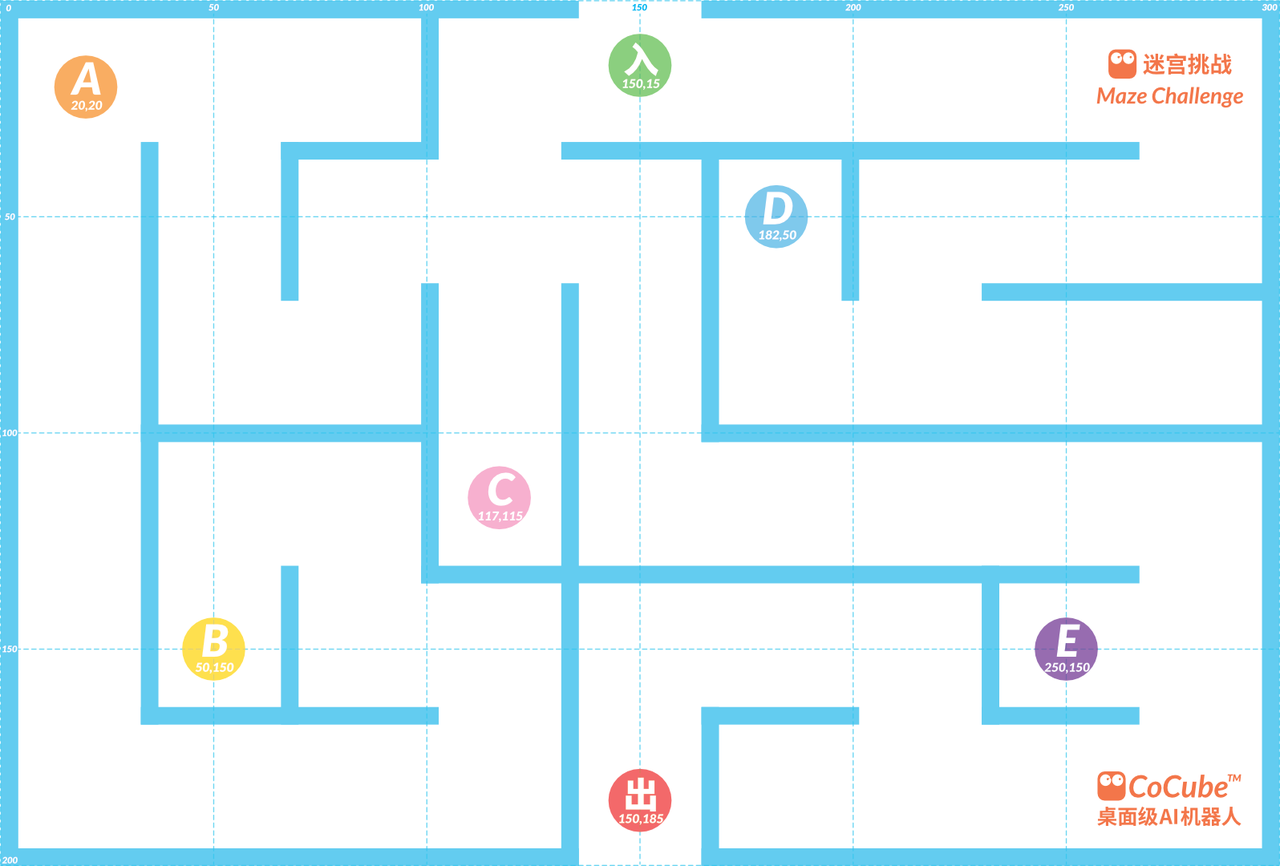
It is recommended to place CoCube on CoMaps for this lesson.
The main APIs used here are:
cocube.pos.x,cocube.pos.y, andcocube.pos.angle: current position and headingcocube.pos.state: whether positioning is valid. The coordinate and angle data are only trustworthy when this is true.cocube.move_ms(direction, speed, ms): use one basic time-based move first so you can compare it with coordinate-based movement.cocube.move_to(x, y, speed=40): move to a target coordinate.cocube.rotate_to(angle, speed=30): rotate to a target heading.
First, understand what this capability means
Movement on CoMaps is no longer just "go for 800 milliseconds."
It is more like working with two values that keep changing:
- current position
- current heading
Before you begin reading coordinates, remember one rule:
- the position data is only trustworthy when
cocube.pos.stateis true
Start coding
1. Print the position first
import time
import cocube

while True:
    if cocube.pos.state:
        print(
            "x =", cocube.pos.x,
            "y =", cocube.pos.y,
            "angle =", cocube.pos.angle,
        )
    else:
        print("Positioning is temporarily invalid. Put CoCube back on CoMaps.")

    time.sleep_ms(200)
When this runs, make three observations first:
- move CoCube gently and see whether
xandychange - rotate CoCube and see whether
anglechanges - move out of the valid area briefly and see whether
pos.statechanges
2. Connect "read data" with "do an action"
import time
import cocube

cocube.move_ms(cocube.FORWARD, 30, 800)
time.sleep_ms(300)

if cocube.pos.state:
    print("after move:", cocube.pos.x, cocube.pos.y, cocube.pos.angle)

cocube.rotate_to(90, 25)
time.sleep_ms(300)

if cocube.pos.state:
    print("after turn:", cocube.pos.x, cocube.pos.y, cocube.pos.angle)
The main point here is not the action itself, but how the data changes after the action.
3. Upgrade from "move by time" to "move by position"
import time
import cocube

if cocube.pos.state:
    cocube.move_to(120, 60, 35)
    time.sleep_ms(300)
    cocube.rotate_to(90, 25)
    time.sleep_ms(300)
    cocube.move_to(120, 120, 35)
else:
    print("Put CoCube on CoMaps before trying move_to().")
The most important thing to notice here is:
move_ms()is more like "send a command for a duration"move_to()is more like "reach the target using feedback"
What should you observe while it runs?
When you run the programs in this lesson, focus on these effects:
- coordinate changes are usually not perfectly synchronized
angledirectly reflects the turning result- for the same target point, changing
speedchanges the movement rhythm - for the same target point, different starting positions can produce different paths
Common issues / reminders
- When
pos.stateis invalid, do not keep relying onmove_to()androtate_by() - Get the print output working first before building more complex coordinate tasks
- If the path always drifts, check the initial heading and placement, not just the target point
- Position control is more stable than time control, but it depends more heavily on valid positioning
Challenge
Design a three-step coordinate task for yourself:
- move from the start point to a supply point
- rotate to a target angle
- then move to the finish point
If you want to extend it further, add a screen prompt such as Mission OK after arrival.
Quick reference
The most common pattern in this lesson is:
import cocube

if cocube.pos.state:
    print(cocube.pos.x, cocube.pos.y, cocube.pos.angle)
    cocube.rotate_to(90, 25)
    cocube.move_to(120, 120, 35)
cocube.pos.state: whether positioning is validcocube.pos.x,y, andangle: current position and headingcocube.rotate_to(...): rotate to a target headingcocube.move_to(...): move to a target coordinate
If you want to keep looking up positioning and motion APIs, go to the cocube core reference.